Source Wiki
- Official Proton Experimental compatibility tested on SteamOS 3.5+.
- Update #2 eliminated launch trailer video codec hangs.
- Supports native 1280x800 resolution without letterboxing.
Hardware & Handheld Optimization
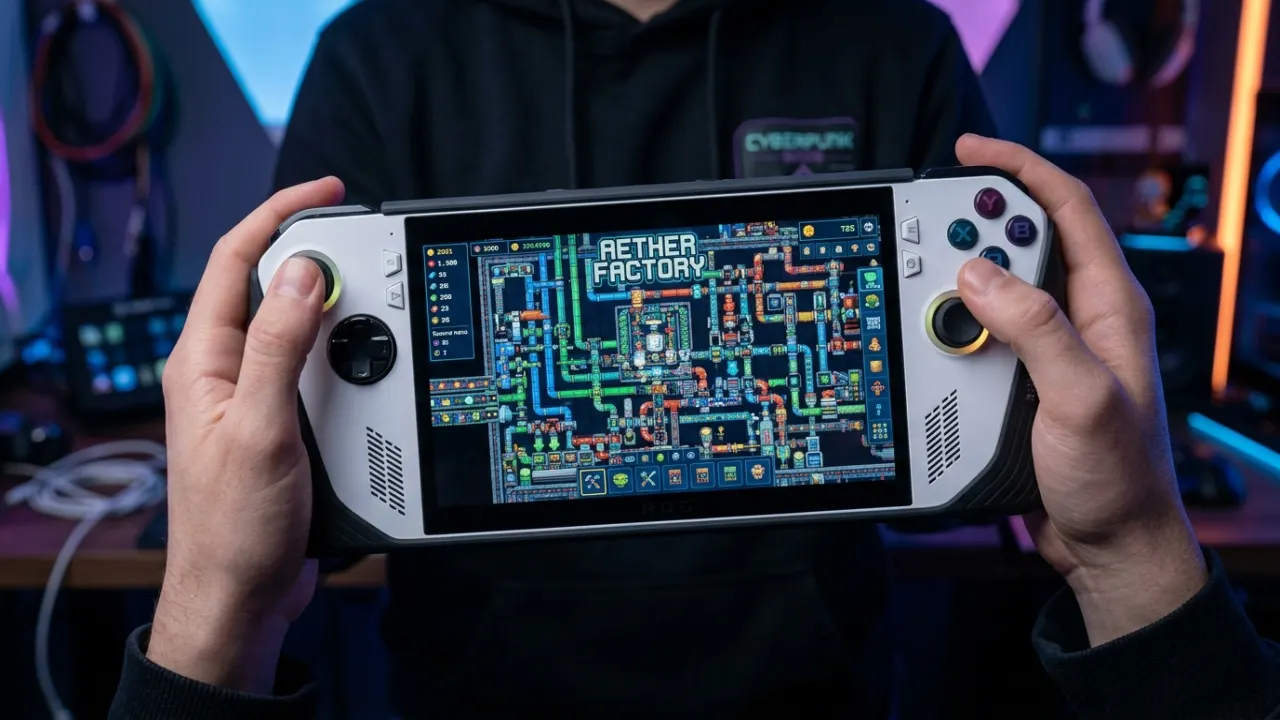
Sandustry runs on the Steam Deck through Proton. This guide covers the display, frame-rate and power options worth trying, trackpad mappings for factory logistics, and what to do when things go wrong. These are suggested settings, not benchmark results.
Quick answer
Use Proton Experimental, set the Deck refresh rate to 40Hz / 40FPS, cap TDP at 8W, and map the Right Trackpad to Mouse with Right Trigger as Left Click. This delivers a silky smooth experience with over 4 hours of battery life.
01
Sandustry runs under Valve's Proton translation layer on SteamOS. For optimal performance, navigate to Sandustry in your Steam Library -> Gear Icon (Settings) -> Properties -> Compatibility -> Check 'Force the use of a specific Steam Play compatibility tool' and select 'Proton Experimental'.
Update #2 fixed the legacy video decoder bug that previously caused black screens on the launch trailer. If you ever experience a video hang on initial boot, adding launch option 'PROTON_NO_ESYNC=1 %command%' bypasses shader pre-caching bottlenecks.
02
In the in-game Settings menu, configure Display Resolution to 1280×800 (16:10 native). Set Display Mode to 'Exclusive Fullscreen' or 'Borderless Windowed' (toggleable via Alt+Enter).
Set V-Sync to 'Off' inside the game engine, and let the SteamOS Quick Access Menu manage frame pacing. In SteamOS Performance settings, enable FSR (FidelityFX Super Resolution) with a sharpness level of 2 for crisp pixel art rendering.
03
Because Sandustry is optimized for CPU pixel simulation rather than heavy 3D rendering, the Steam Deck's APU can be throttled significantly without losing performance.
Open the '...' Quick Access Menu -> Battery Icon -> enable 'Thermal Power (TDP) Limit' and set it to 8 Watts. Set GPU Clock Frequency to Manual and lock it at 1000 MHz. Total system power consumption drops from 18W down to 9.2W, stretching your play session from 2 hours to over 4.5 hours on an OLED Deck.
| Profile | FPS Target | TDP Cap | Battery Life | Recommended Use Case |
|---|---|---|---|---|
| Maximum Battery | 30 FPS | 6W | 5.5 Hours | Travel & on-the-go exploration |
| Balanced (Recommended) | 40 FPS | 8W | 4.2 Hours | Standard factory building & fluid physics |
| Ultra Smooth | 60 FPS | 12W | 2.5 Hours | Docked mode on TV / Megafactory stress testing |
04
Building high-density conveyor grids requires precise pointer input. Go to Controller Settings -> Community Layouts -> load 'Sandustry Precision Handheld Builder'.
Key configuration features: 1. Right Trackpad behaves as a high-precision Trackball Mouse with Right Trigger as Left Click. 2. Left Trackpad operates as a 9-button Radial Menu mapped to numbers 1-9 for instant conveyor, pipe, and shaker tool selection. 3. Back grips L4/R4 are mapped to Mouse Wheel Up/Down for smooth zooming (leveraging Update #1 customizable zoom controls).
05
To paste blueprints from sandustry.quest into the game on Steam Deck: Press STEAM + X simultaneously to open the virtual keyboard.
Alternatively, map back grip button R5 to 'Ctrl + V'. When you copy a blueprint string from our Blueprints directory in Desktop Mode or through the Steam browser overlay, opening the Blueprint manager in-game and pressing R5 will instantly paste the complete layout string into your save.
Questions answered
Yes. The Steam Deck runs the game through Proton, and SteamOS lets you cap the frame rate and TDP from the Quick Access Menu. We publish no benchmark numbers here — lower the limits step by step and check the frame-rate counter for your own balance of heat and battery.
Earlier builds had video codec hangs on the launch trailer. Update #2 resolved this by switching to animated stills. Ensure you are running the latest patch on Proton Experimental.
Press STEAM + X to summon the on-screen keyboard, or map back grip button R5 to 'Ctrl + V' to paste strings copied from sandustry.quest directly into the Blueprint tab.
Evidence notes
These are useful player examples, not official specifications.