Source Wiki
- Update #1 added in-place filter quick configuration via 'F' key.
- Update #1 introduced rebindable zoom hotkeys in Settings.
- Update #2 added Alt+Enter for borderless fullscreen toggling.
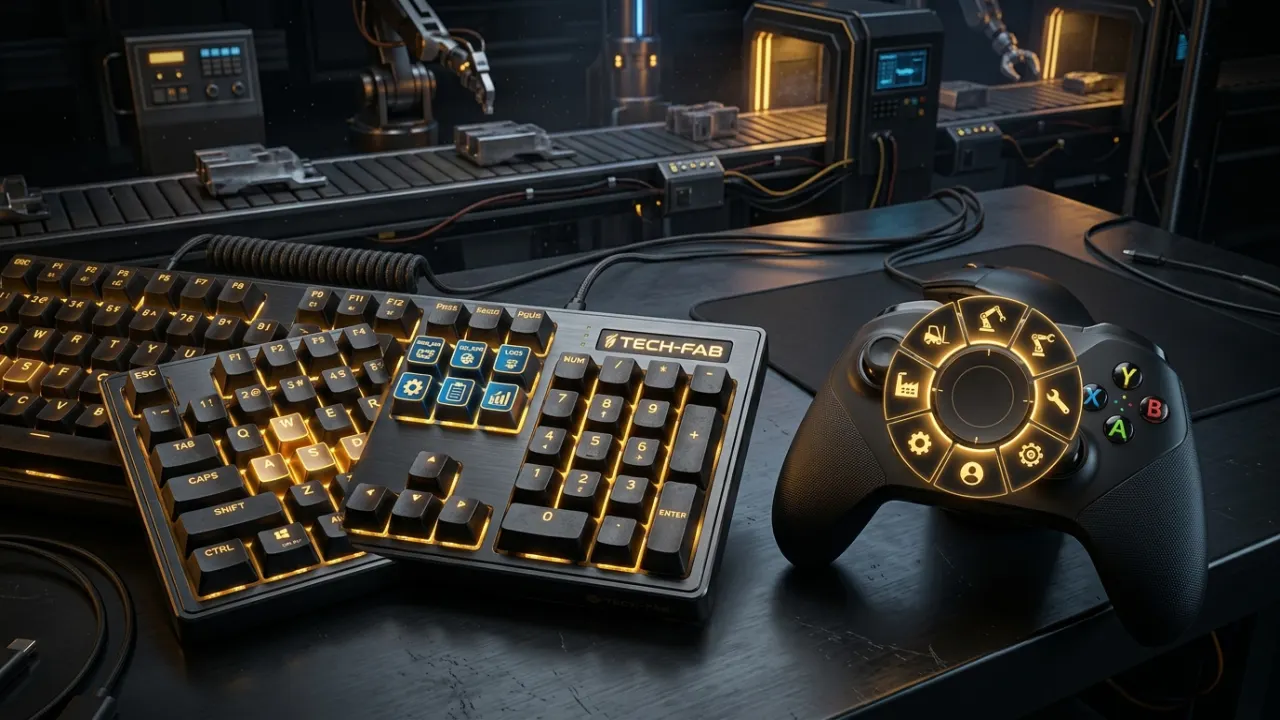
Builder Efficiency & Hotkey Atlas
Building mega-factories in Sandustry is ten times faster when you utilize advanced hotkeys. Learn the hidden building modes, axis flips, pipeline overlay views, and custom zoom bindings demonstrated by master factory architects.
Quick answer
Use Alt to flip machine orientation (swapping input/output ports), Shift+Drag to draw perfectly straight conveyor and pipe lines, Ctrl+Drag for rectangle foundations, and F to edit filters in-place without opening menus.
01
Standard traversal uses W, A, S, D for player movement and Space to activate your thruster jump. Middle Mouse Drag or holding Right Click allows camera panning across large factory sectors.
In Update #1, developers added rebindable zoom hotkeys. Go to Settings -> Keybindings to assign zoom in/out to dedicated keys (+ and - or bracket keys) if your mouse wheel step is too fast.
02
Building long conveyor runs by single-clicking is error-prone. Sandustry includes three powerful modifier keys that veteran architects use:
• Shift + Click & Drag: Snaps placement into an uncompromising straight line along the X or Y axis. Eliminates unintended diagonal curves when routing pipes across hundreds of blocks.
• Ctrl + Drag: Switches placement into Box Fill Mode. Ideal for laying down foundations, mining frames, or clearing large rectangular pockets of loose sand.
• Alt Key (Flip Axis): Toggles machine chirality. If a Shaker outputs Gold to the right by default, pressing Alt flips it to output to the left, allowing symmetrical factory builds.
03
When troubleshooting clogged fluid loops, visual inspection in standard lighting is difficult. Pressing Tab cycles through the game's diagnostic sensor modes:
1. Liquid Overlay: highlights pipe runs and their contents so you can trace which line carries which fluid. Update #4 also made the overlay show the meta colour of the last liquid piped through a line.
2. Thermal Gradient Mode (Orange Overlay): Displays temperature transfers, critical for preventing Lava from melting adjacent conveyor belts.
3. Material Density Inspector: Highlights solid pixels by mass, helping you identify whether Residue is blocking a gold separator.
04
Prior to Update #1, reconfiguring a Filter required dismantling the block and rebuilding it. In current versions, simply hover your cursor over any placed Filter and press 'F'.
This immediately summons the in-place filter drawer. You can toggle allowed elements (e.g., Wet Sand, Scoria, Burnt Residue) or switch between pass-through and blocking modes with a single click.
05
Below is the complete, verified reference table of default keybindings across PC keyboard and gamepad controllers for Sandustry v0.5.6:
| Action | Keyboard Shortcut | Gamepad / Steam Deck | Function |
|---|---|---|---|
| Rotate Building | R | X Button | Rotates selected blueprint or machine by 90° |
| Flip Machine Orientation | Alt | Y Button | Flips input/output port positions horizontally/vertically |
| Straight Line Draw | Shift + Drag | Hold Left Trigger + Stick | Locks conveyor belts, wires, and pipes into straight lines |
| Rectangular Area Fill | Ctrl + Drag | Hold Right Bumper + Stick | Fills selected bounding box with foundation or clearing tool |
| In-Place Filter Edit | F | D-pad Up | Opens quick filter modal without deconstructing the block |
| Cycle Visual Overlays | Tab | D-pad Down | Cycles Normal -> Liquid Pressure -> Thermal Heat -> Gases |
| Delete / Demolish Mode | X / Right Click | B Button | Toggles single-tile demolition tool |
| Fullscreen Toggle | Alt + Enter | Steam + Right Trackpad Click | Toggles borderless fullscreen (added in Update #2) |
Questions answered
Press the Alt key while hovering or placing the machine. This flips its input and output port directions, allowing mirrored factory wings.
Hold Shift while dragging your mouse. This locks the cursor into a straight horizontal or vertical axis.
Yes. Update #1 added customizable zoom keybindings. Go to Settings -> Keybindings -> Camera Zoom to map zoom to dedicated keys or mouse wheel steps.
Evidence notes
These are useful player examples, not official specifications.